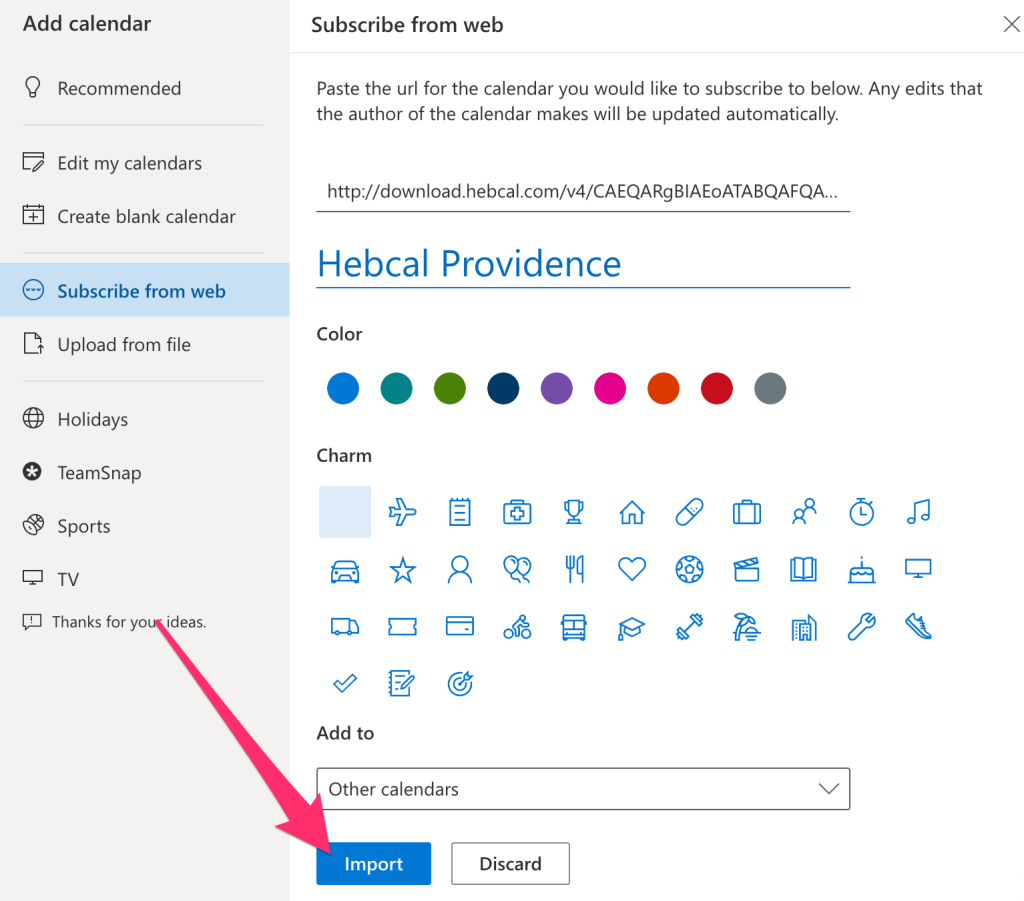
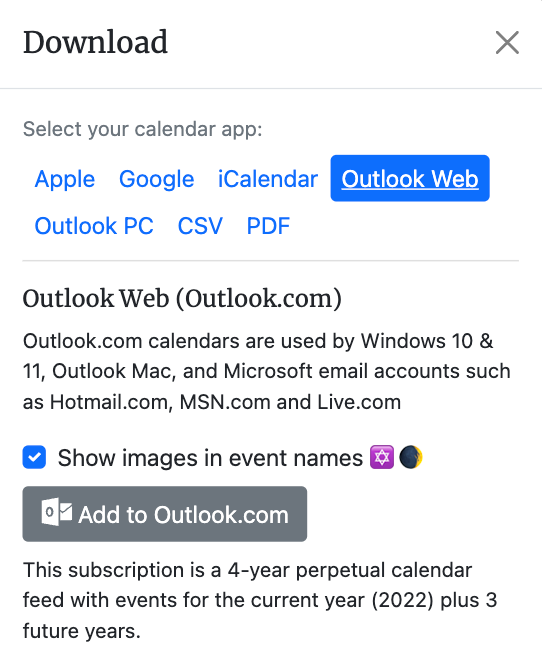
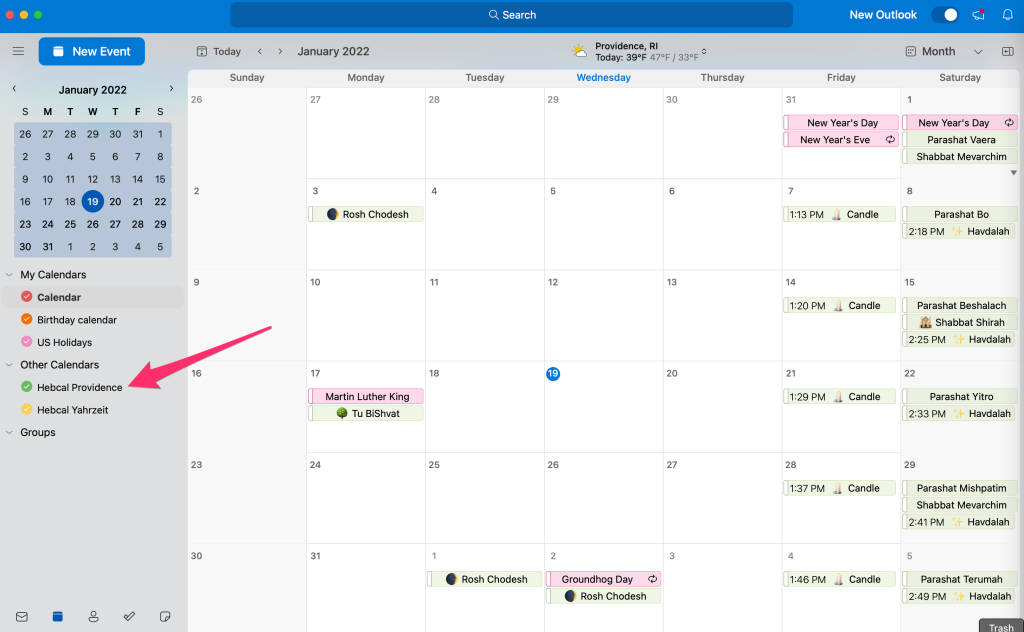
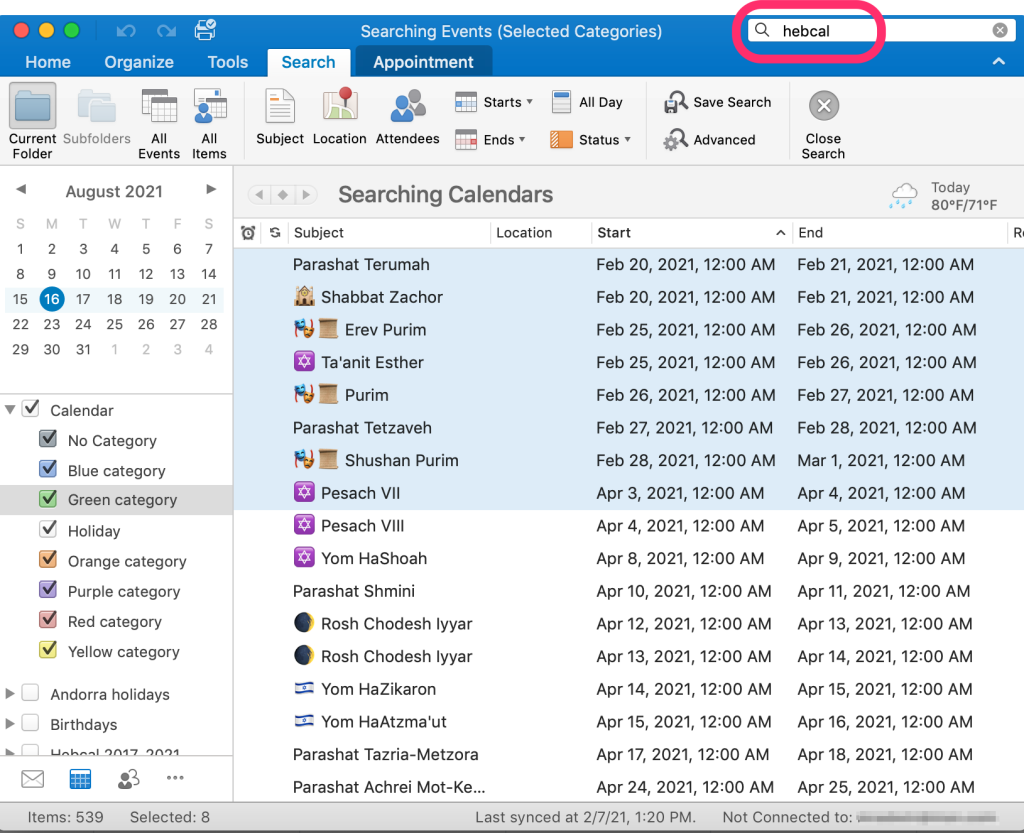
Follow these instructions to subscribe to a Hebcal Jewish holiday calendar 5-year feed in Microsoft Outlook 2011 for Mac OS X: Go to http://www.hebcal.com/hebcal/ Fill out the form with your preferences and click the Create Calendar button Click the Download… button Select the Outlook 2011 (Mac OS X) option from the Download dialog box Click on the Jewish Calendar YYYY.ics download button Next, find the… Read more »
Posts Categorized: Download – Microsoft Outlook
Microsoft Outlook Jewish holidays download for Outlook 2007, Outlook 2010
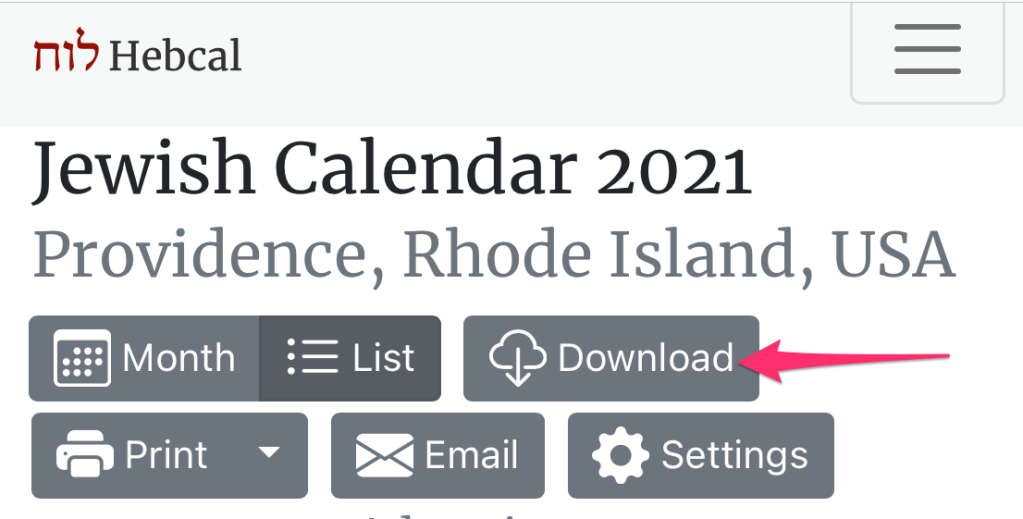
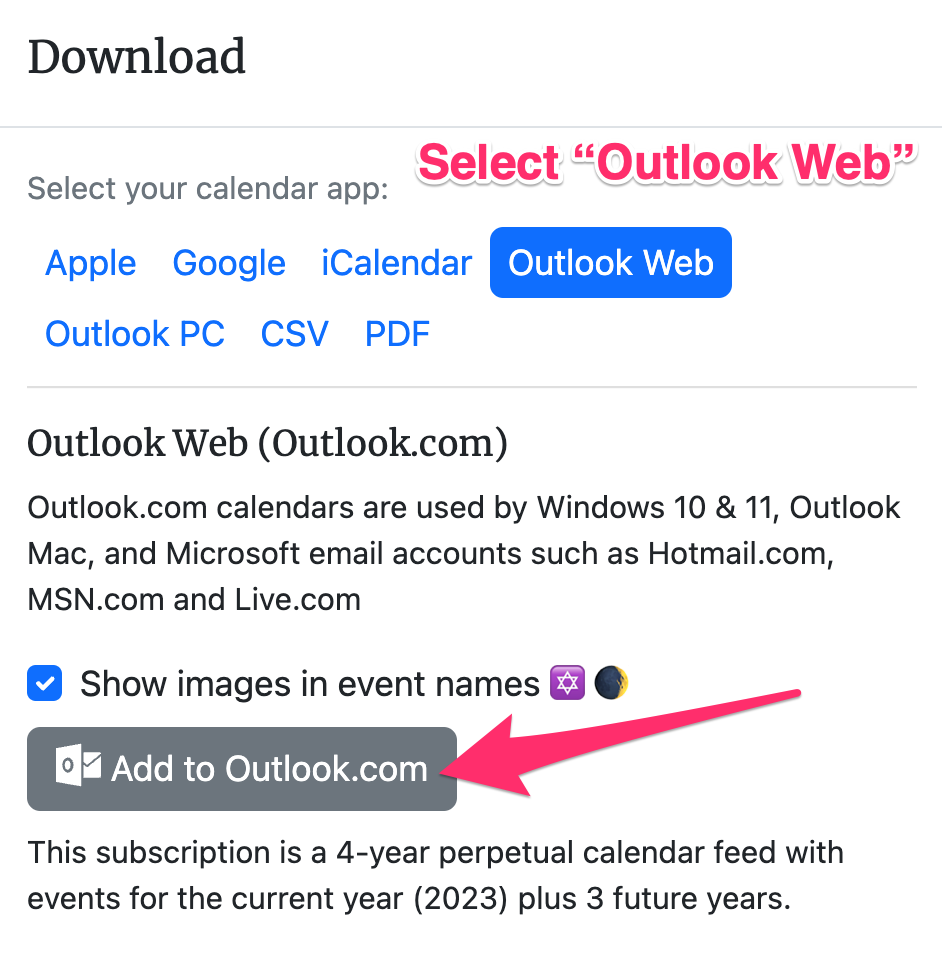
Follow these instructions to add a Hebcal Jewish holiday calendar 5-year feed to newer versions of Microsoft Outlook in “overlay” mode. This technique uses Outlook’s “Internet Calendar Subscription” feature which keeps a separate calendar from your primary calendar. (If you plan to sync Outlook with a BlackBerry, consider using the old-style instead.) Go to http://www.hebcal.com/hebcal/ Fill… Read more »
Microsoft Outlook CSV Jewish holiday download for Outlook 97, 98, 2000, 2002, 2003
Follow these instructions to add a Hebcal Jewish holiday calendar 5-year feed to older versions of Microsoft Outlook. First, you’ll need to download an Outlook CSV (Comma-separated values) file from hebcal.com: Go to http://www.hebcal.com/hebcal/ Fill out the form with your preferences and click the Create Calendar button Click the Download… button Select the Outlook 97, 98, 2000, 2002, 2003 option from… Read more »
Microsoft Outlook Internet Calendar – delete Hebcal Jewish calendar from Outlook 2007, Outlook 2010
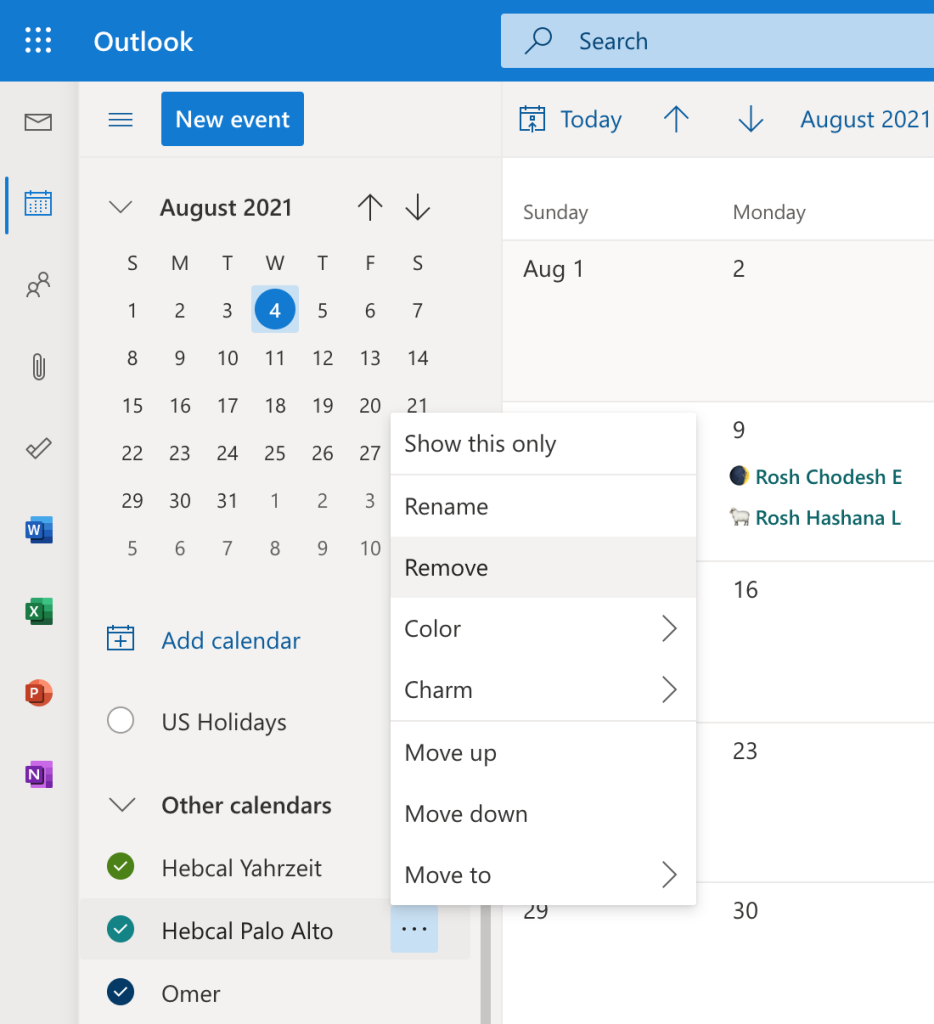
To remove an Internet Calendar Subscription from side-by-side view, clear the check mark for the calendar in the Navigation Pane. To remove the Internet Calendar Subscription from the Navigation Pane, right-click the calendar name, and then click Delete calendar name. Internet Calendar Subscriptions can be added, changed, or removed from the Account Settings dialog box…. Read more »
Microsoft Outlook CSV – delete Hebcal Jewish calendar from Outlook 97, 98, 2000, 2002, 2003
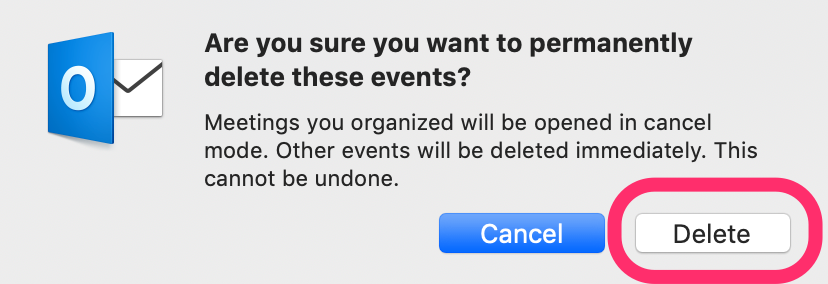
When hebcal exports to CSV format, it puts the text “Jewish Holidays” in the Location field. That is there to make it easy to remove entries from your calendar if you got the wrong settings. For example, if you were using candle-lighting times but entered the wrong zip code, you could follow these instructions to… Read more »
Microsoft Outlook CSV – incorrect dates for events
Some users have a mismatch between the date format they are downloading (USA vs. European) and the setting you’re using in your control panel. This usually results in events that were supposed to take place, for example, on September 2nd instead showing up on February 9th (i.e. the date “9/2″ vs. the date “2/9″). If… Read more »