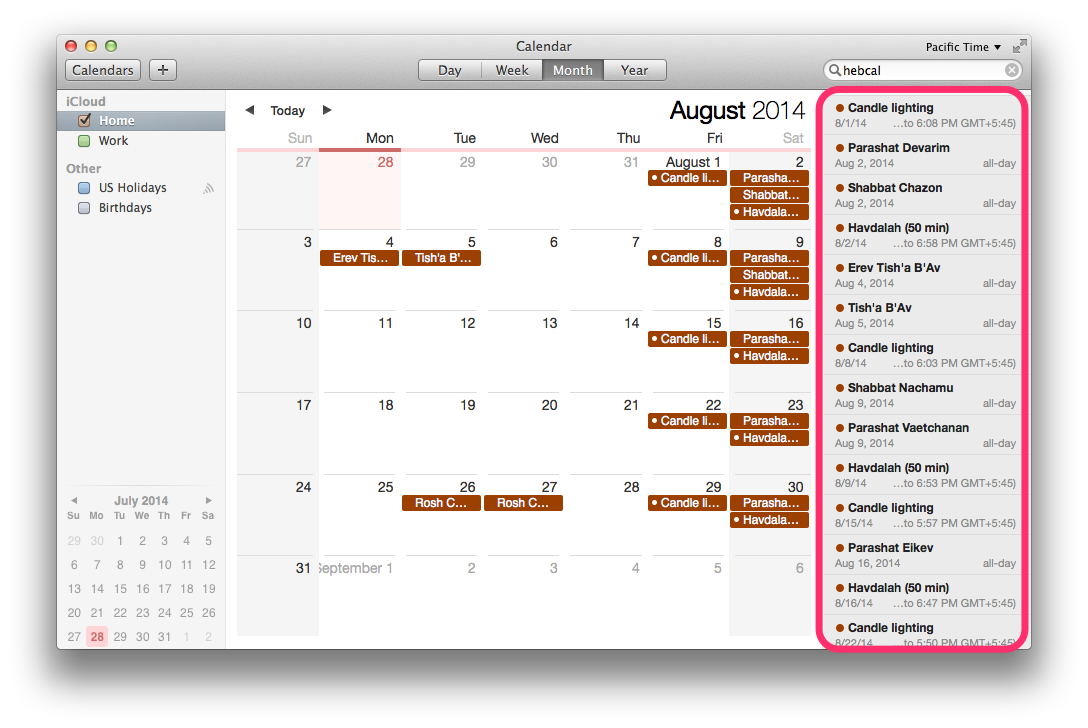
Follow these instructions to subscribe to a Hebcal Jewish holiday calendar 5-year feed in Calendar.app on macOS (formerly called Mac OS X) desktop:
1. Open a web browser on your macOS computer.
- to download holidays and candle-lighting times, navigate to https://www.hebcal.com/hebcal
- OR, to download Yahrzeit + Anniversary calendar, navigate to https://www.hebcal.com/yahrzeit
2. Fill out the form with your preferences and click the Create Calendar button
3. Click the Download… button
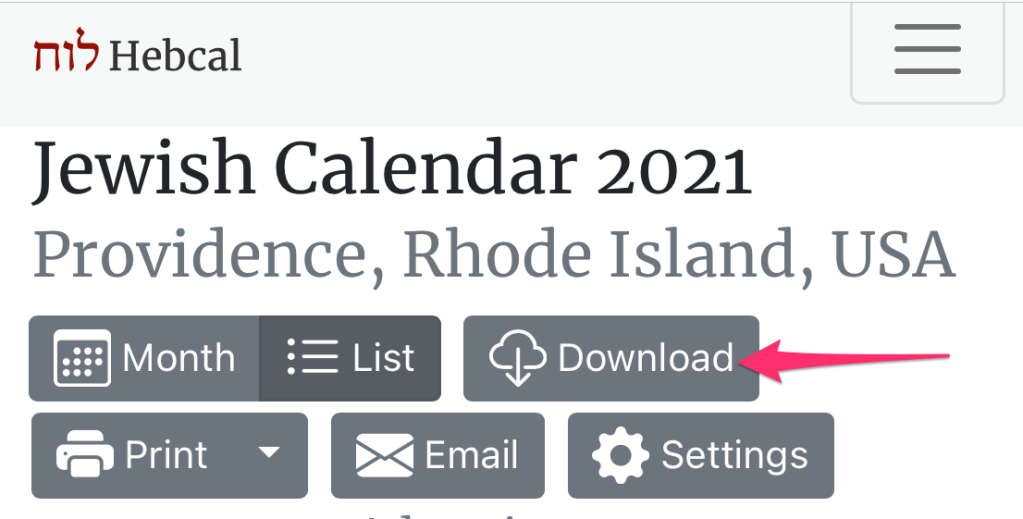
4. Select the Apple option from the download dialog box
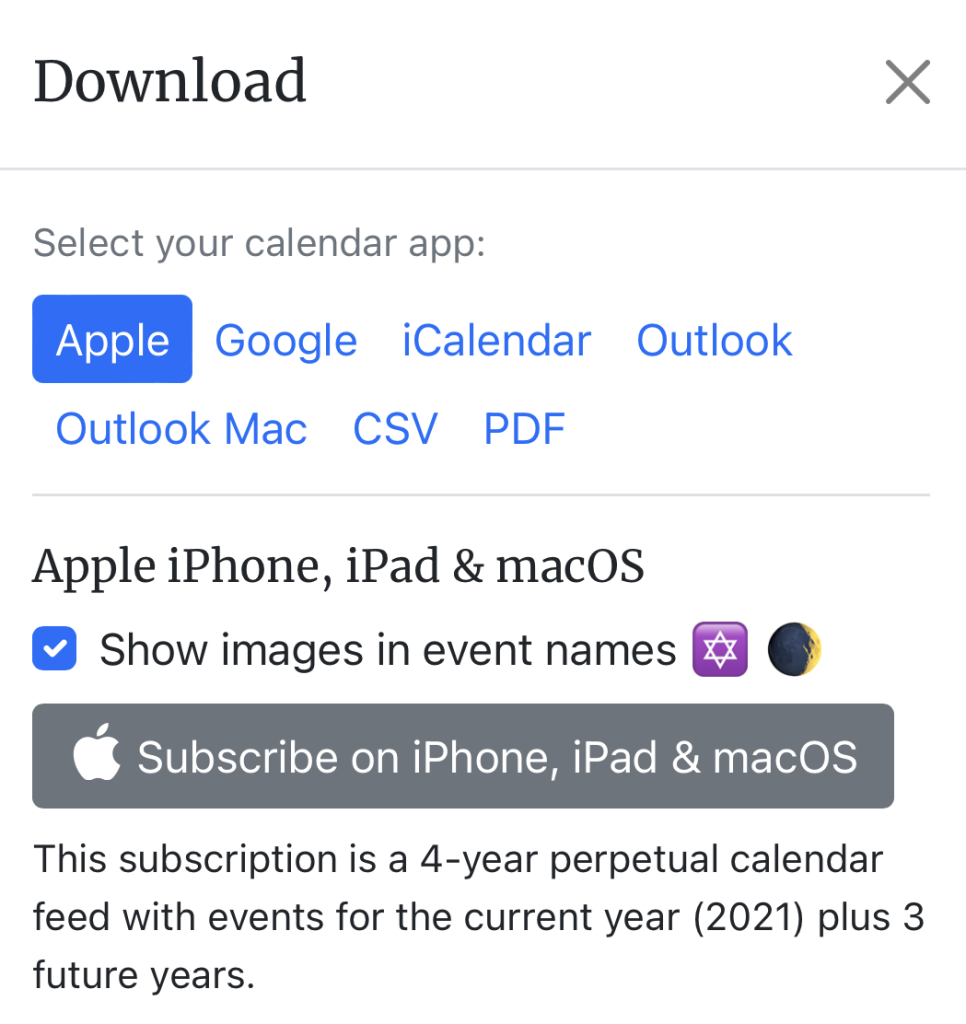
5. Click on the grey “Subscribe on iPhone, iPad & macOS” button
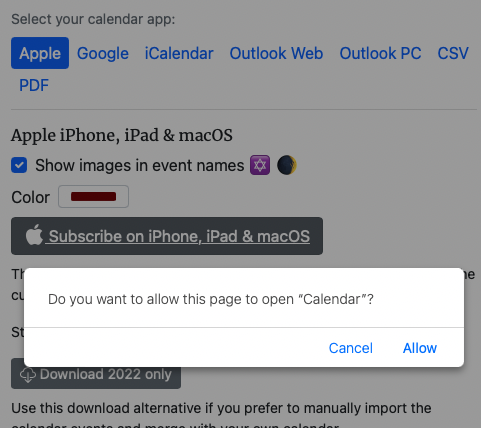
6. Click Allow if your browser prompts you Do you want to allow this page to open “Calendar”?
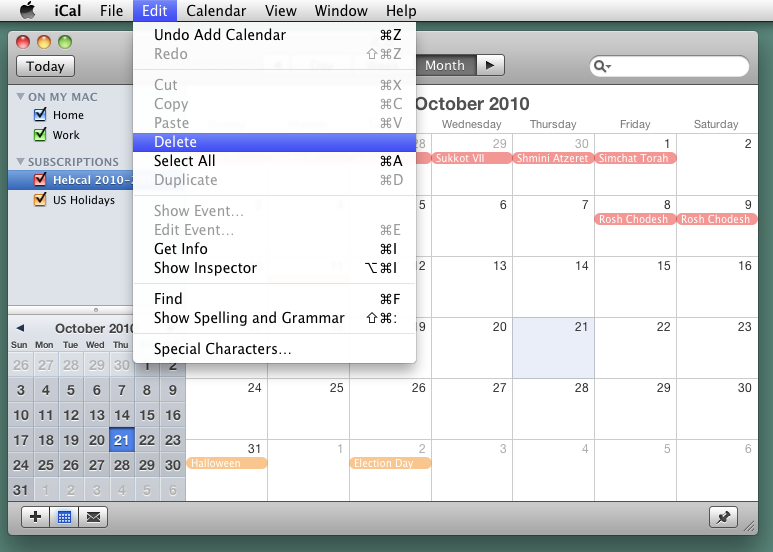
7. Apple Calendar (OS X Mountain Lion and later) or iCal (OS X Lion and earlier) will start up
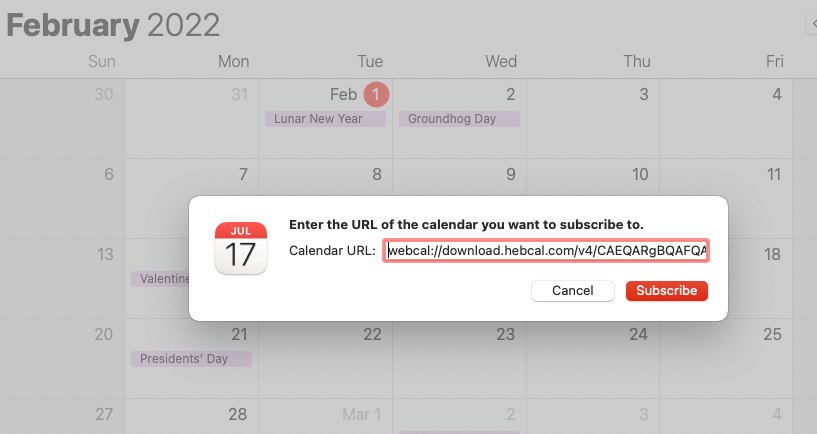
8. Click Subscribe in the “Calendar URL” dialog box
9. In the next dialog box, uncheck the “Remove Alerts” option if you wish to be notified of candle-lighting and Havdalah times.
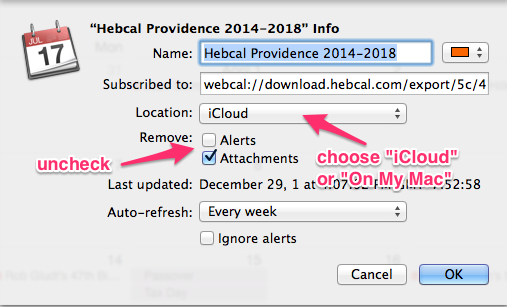
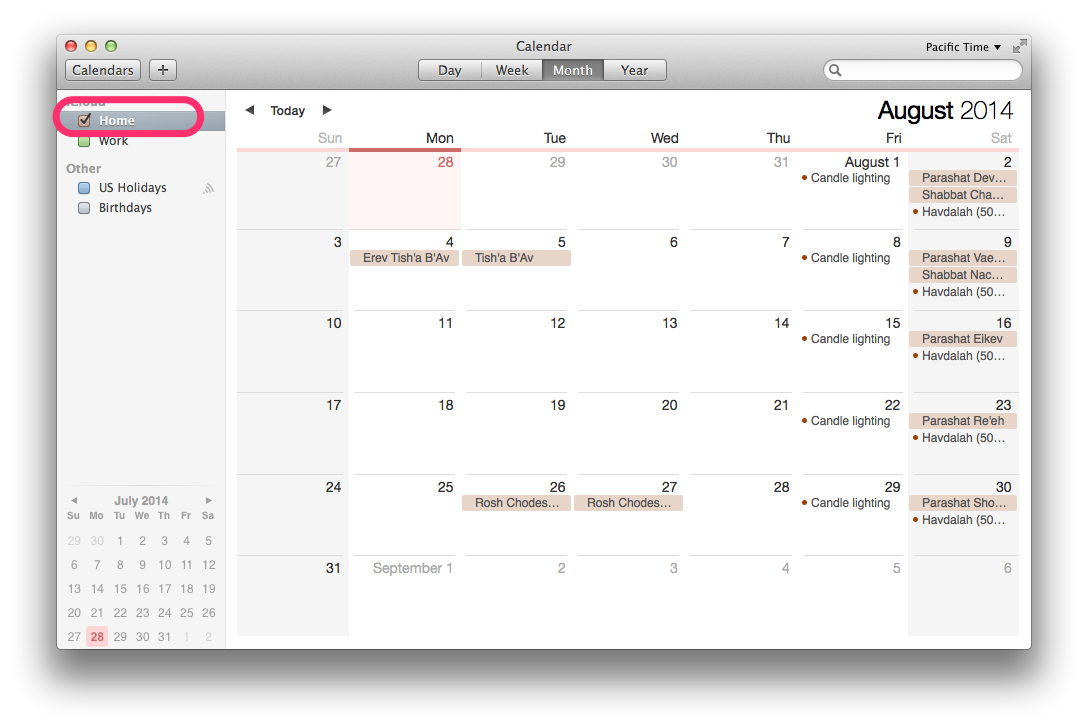
10. Choose the Location for your subscription
- Use iCloud if you wish to synchronize with other Apple devices such as iPhone or iPad
- Use On My Mac if you wish to have the calendar subscription only on your desktop/laptop
11. Click OK
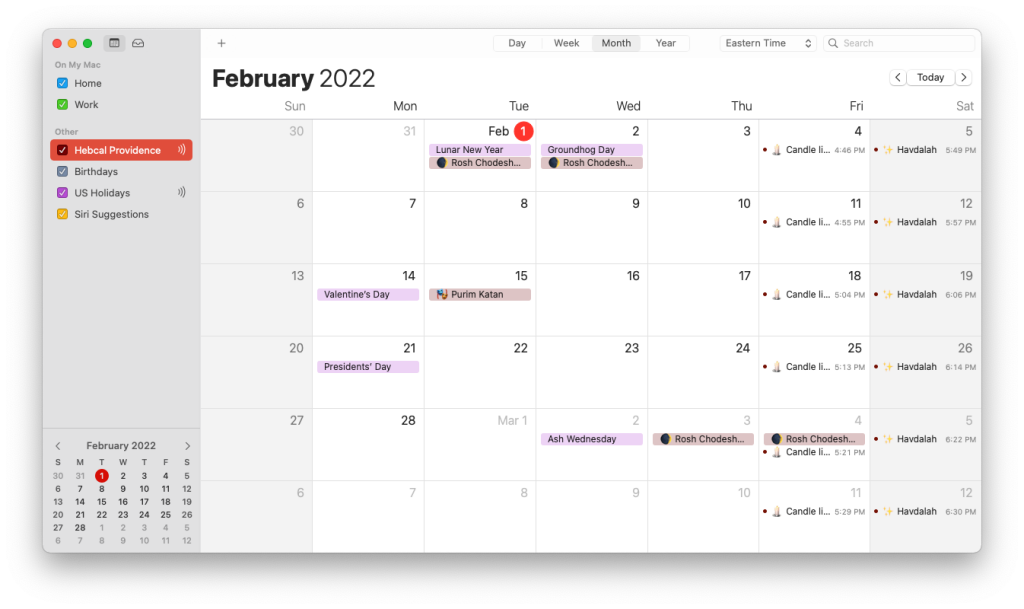
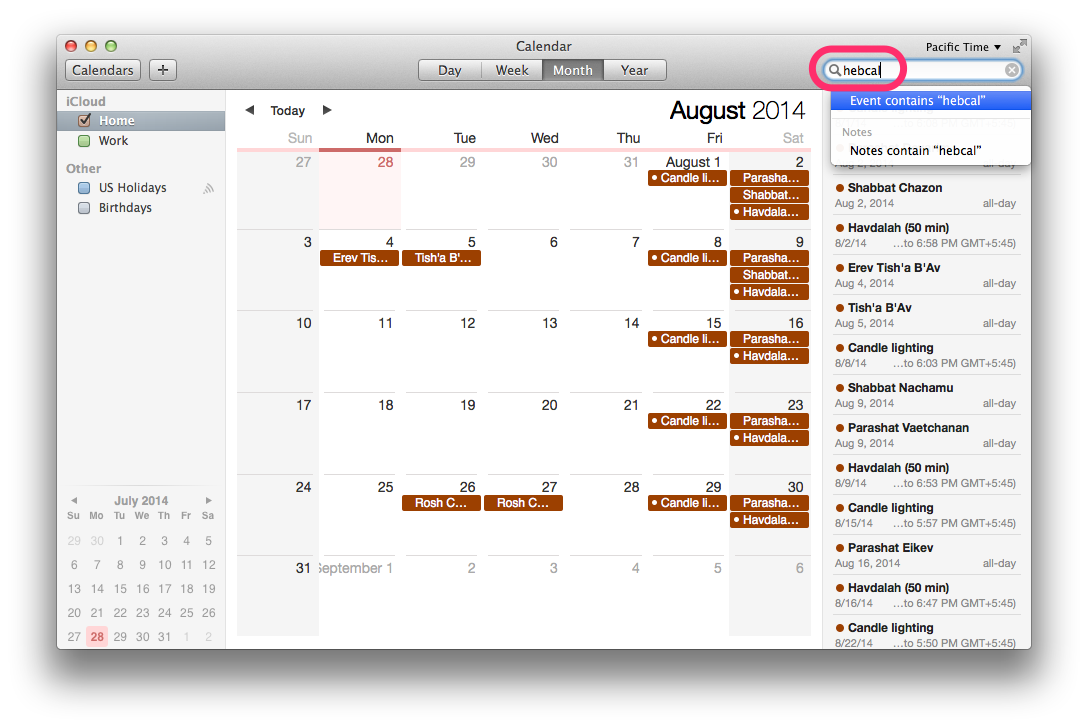
12. Congratulations! You should now see the Hebcal holiday calendar on your Calendar app