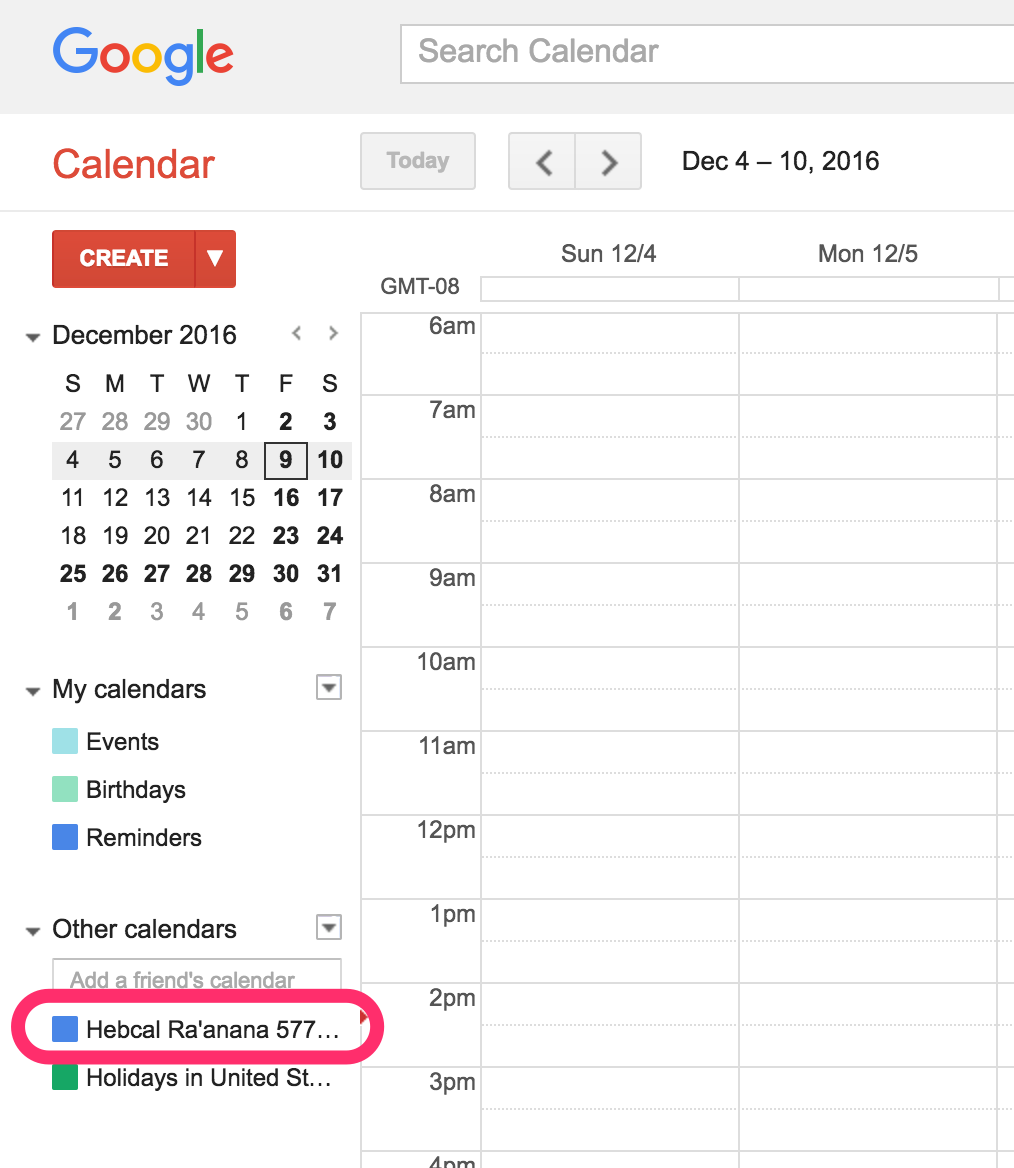
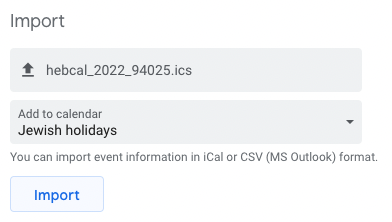
If you subscribed to a Hebcal calendar using our recommended Google Calendar Jewish holidays subscription option, follow our Google Calendar unsubscribe instructions to remove it from your Google Calendar list.
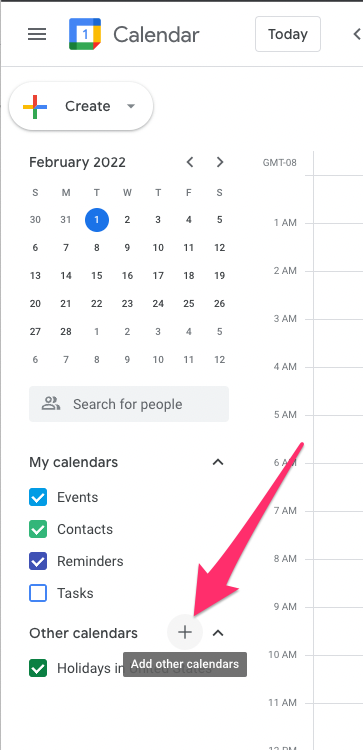
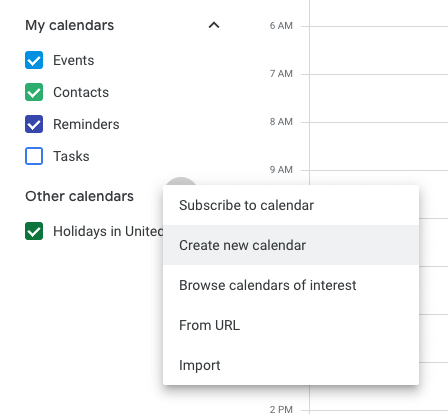
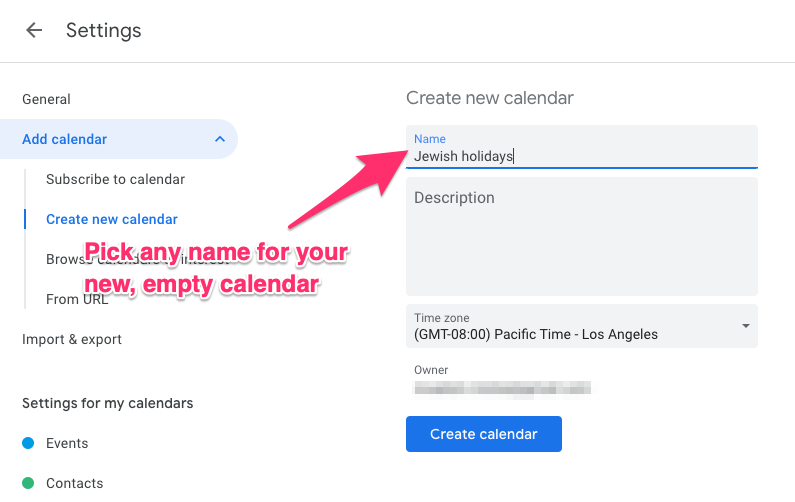
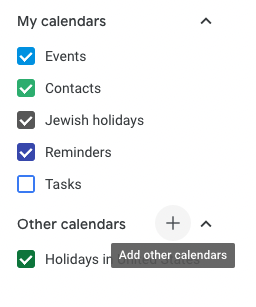
If you manually downloaded Hebcal events using our Google Calendar alternative instructions and imported them into separate calendar (listed under “My calendars”), follow these instructions:
- On your computer, open Google Calendar.
- In the top right, click Settings > Settings.
- In the left column, find the calendar you want to delete.
- Click the name of the calendar.
- Click Remove calendar > Delete > Delete permanently.
If you manually downloaded Hebcal events and merged them with (embedded them into) your personal calendar, the process is more difficult. Unfortunately, Google does not provide a simple way to bulk delete multiple calendar events. Although there really isn’t another option than to delete each event individually, you can change your view to Schedule view to see more events at once. From here you can delete each event individually and even make use of the search feature to find the events that you’re looking for.
- While in Google Calendar, click on the date range dropdown at the top right and change the view to Schedule view.
- Click on the magnifying glass icon at the top and search for the events that you’d like to delete. For example, try searching for “hebcal”
- Click on an event and then on the trash can symbol in the popup to delete it.
For other recommendations on how to remove multiple events from Google Calendar, see this excellent article: Google Calendar – Delete Multiple Events At Once (2022).