Follow these instructions to add a Hebcal Jewish holiday calendar 5-year feed to Palm Desktop 6.2.
Note that these instructions do not work for the older Palm Desktop 4.1.4. If you are using the older version, please instead use our Palm Desktop 4.1.4 for Windows instructions.
First, you’ll need to download a vCal (.vcs format) file from hebcal.com:
- Go to https://www.hebcal.com/hebcal
- Fill out the form with your preferences and click the Create Calendar button
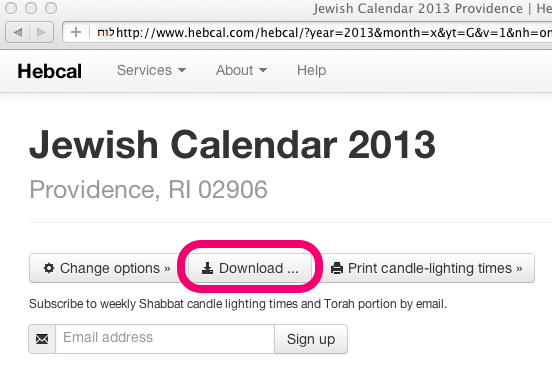
- Click the Download… button
- Select the Palm Desktop (Windows-only) option from the Download dialog box
- Click on the “Export vCal (.vcs format): hebcal_DATE_LOCATION.vcs” link
- When prompted, specify a convenient name and location for the hebcal_DATE_LOCATION.vcs file in the “Save As” dialogue box. We recommend saving the file on the Desktop
Next, import that file into Palm Desktop:
- Open Palm Desktop for Windows version 6.2
- Go to the Date Book view
- Select the File -> Import menu option
- Find the hebcal_DATE_LOCATION.vcs file and choose Open. This will import the chosen file
- HotSync data to your Palm handheld
Included in the Hebcal Jewish holiday downloads are options to select major holidays (Rosh Hashana, Yom Kippur, Pesach, etc.), minor holidays (Purim, Chanukah, etc.), special Shabbatot, public fasts (Tish’a B’Av, etc.), Rosh Chodesh, and modern holidays (Yom HaAtzma’ut, etc.).