In addition to providing details about the weekly Torah readings, Hebcal makes it convenient to listen to the audio of a professional cantor chanting Torah trope.
If you visit the Hebcal parsha pages from a larger display (desktop/laptop computer or a tablet), you can click the speaker icon to visit Sefaria‘s embedded PocketTorah audio.
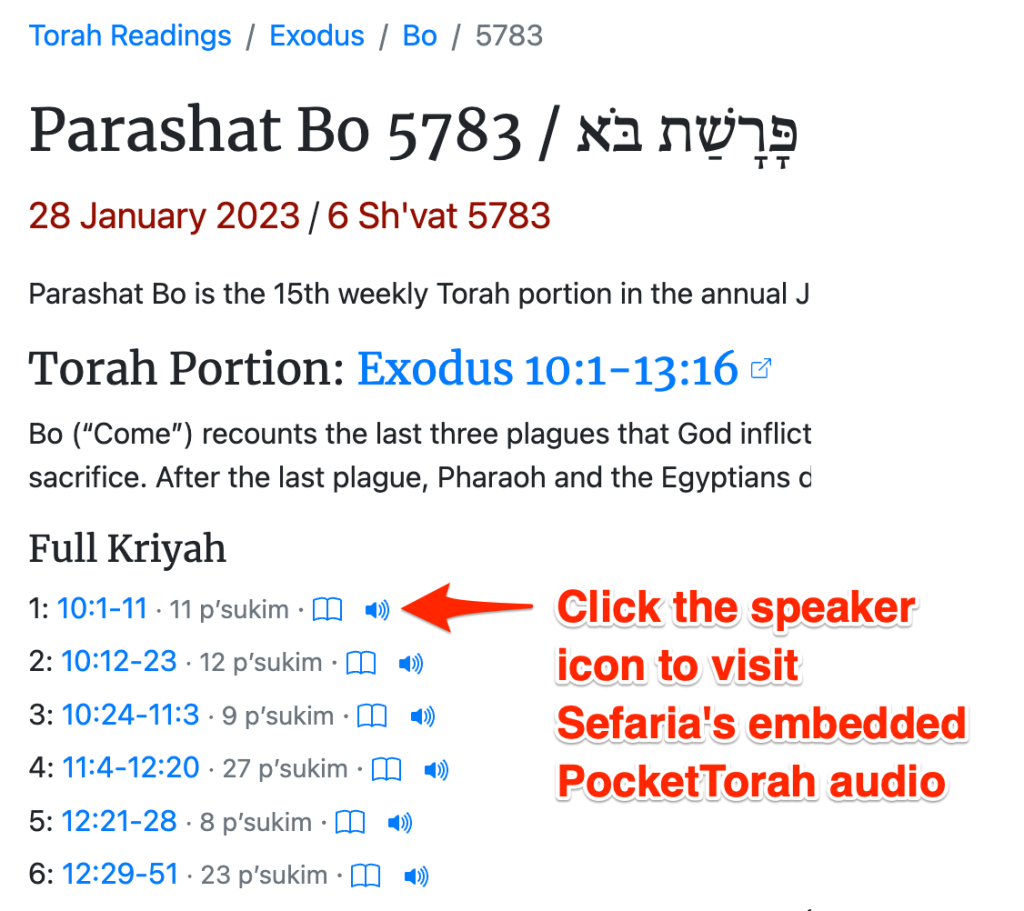
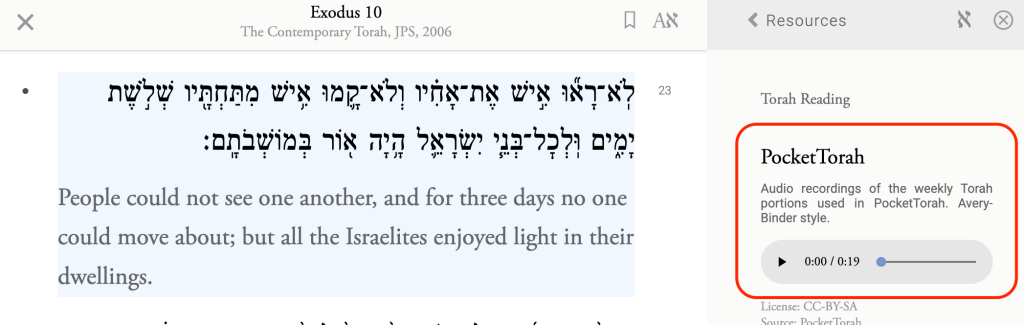
The Sefaria native mobile app does not currently support the PocketTorah audio, so the Hebcal speaker icons are not displayed on mobile phones. The audio is displayed only on Sefaria website and depends on a larger screen, such as a desktop/laptop computer or a tablet.
For many years, Hebcal linked to audio provided by the World ORT “Navigating the Bible II” website. Unfortunately, after 20+ years on the Internet, the ORT website stopped working in July/August 2022.
If you liked Navigating the Bible, you can use the aforementioned Sefaria integration. Or, you might consider trying an alternative, such as PocketTorah (free) or TropeTrainer (not free, but very high quality). Hebcal is not affiliated with World ORT or with TropeTrainer or PocketTorah.
Original post from May 2013
We’re pleased to share that ORT’s Navigating the Bible website has been upgraded to MP3. For many years, Hebcal.com has linked to ORT’s excellent site for Torah readings with Hebrew, translation, transliteration and chanting.
When released 13+ years ago, ORT’s trope/chanting audio was based on a format called RealAudio. Unfortunately, RealAudio doesn’t work very well on modern devices like tablets.
As of May 2013, ORT has upgraded to MP3 – a more modern audio format. Users can listen to individual verses or download whole readings to listen to on their phones, tablets or other mp3 players.
Our sincere thanks to Vladimir Dribinskiy, ORT’s Chief Program Officer, and to the entire World ORT team!